

AI Citations in Content: Best Practices for Source-Led Publishing
A practical editorial system for connecting claims to reliable evidence, publishing original source material, and measuring AI citations without treating them as guaranteed rankings.
Actionable technical breakdowns, architectural benchmarks, and strategic frameworks written by our senior systems engineers and GEO specialists.
A practical editorial system for connecting claims to reliable evidence, publishing original source material, and measuring AI citations without treating them as guaranteed rankings.
A practical editorial system for connecting claims to reliable evidence, publishing original source material, and measuring AI citations without treating them as guaranteed rankings.
A seven-gate build and launch checklist for creating an accessible, source-worthy, consistent, measurable website for traditional and generative search.
A platform-aware crawlability workflow that separates search discovery, user-triggered fetching, and training controls—and verifies real access through rendered tests and logs.
A source-checked comparison of 13 AI SEO tools, separating all-in-one suites, content optimizers, workflow automation, and AI visibility trackers so teams can buy for the job they actually need to do.
A platform-selection framework for matching commerce complexity, team capability, checkout requirements, localization, and total operating cost—not a universal leaderboard.
The right enterprise RAG system is the smallest governed architecture that meets a measured retrieval and answer-quality target for a defined use case. Vendor feature lists come after data, access, evaluation, and operating requirements.
Core Web Vitals measure human page experience. They support reliable, conversion-ready delivery but do not create automatic eligibility or citations in AI search.
A production enterprise RAG architecture connects authenticated identity, authorized retrieval, evaluated answers, bounded actions, and observable failure behavior, not only a model and vector database.
Fixed price creates useful commercial certainty only when discovery has made the work priceable, acceptance is evidence-based, buyer obligations are timed, and change is governed without hiding risk.
Search is becoming a mixed discovery environment of ranked pages, generated answers, citations, recommendations, and follow-up conversations. GEO extends SEO for that environment; it does not replace it.
A practical audit workflow for separating technical eligibility, source quality, brand accuracy, AI citations, and commercial outcomes.
Ten source-led strategies for improving how a brand is discovered, understood, mentioned, and cited across generative search—while keeping technical SEO and useful content at the center.
SEO, AEO, GEO, and LLMO are four lenses on one discovery system. This guide separates their targets, interventions, observables, and outcomes so teams can build one evidence-led search program.
Headless React maximizes frontend and channel control; a monolithic CMS maximizes integrated workflow and launch simplicity. The right choice depends on operating model, not framework preference.
An evidence-led decision guide for choosing Shopify Liquid, Hydrogen on Oxygen, or a custom headless storefront using readiness gates, parity checks, migration risk, and lifecycle cost.
Headless architecture separates content and business capabilities from presentation. Its strongest benefits appear when several channels, markets, or teams need the same governed data—not simply because a modern framework is fashionable.
A reproducible measurement system for AI mentions, recommendations, citations, share of voice, referral journeys, pipeline, and revenue—without collapsing unlike signals into one score.
A diagnostic guide to the five architecture and localization errors that most often make regional pages compete, disappear, or serve the wrong market.
Multi-region SEO gives distinct markets the right URLs, language, offers, proof, and measurement while preserving shared brand and entity governance. Its value depends on genuine regional differences and operational ownership.
A production workflow for turning visible page facts into safe, testable, maintainable JSON-LD—without fabricated data, duplicate entities, or promises of guaranteed search features.
An entity graph makes the site's important things and relationships explicit across content, links, and structured data. It reduces ambiguity and improves governance, but does not guarantee rankings or a Knowledge Panel.
A measurement-first guide to deciding whether static delivery, HTML edge caching, edge compute, regional compute, or origin repair can improve the TTFB-to-LCP path.
A source-led technical framework that makes important content consistently accessible, indexable, understandable, and measurable across traditional and generated search.
GEO matters when generated answers influence how buyers discover, compare, and validate your category. The right response is a measured extension of SEO—not a speculative reinvention.
Each research topic directly maps to our production engineering capabilities.
Improve and measure brand representation across AI search with technical access, source-quality content, entity consistency, and citation monitoring.
Bespoke UI, purposeful motion, accessible interaction, and headless React architecture with separate lab and field performance reporting.
Headless Shopify Plus stores, friction-free checkout flows, conversion rate optimization, and agile MVP launch systems for high-growth ventures.
Custom vector RAG knowledge bases, autonomous workflow agents, and deep bidirectional ERP/CRM integrations eliminating operational friction.
Web development, search ranking, and AI visibility can feel full of confusing jargon. Here are straightforward explanations, everyday analogies, and clear visual diagrams to help you make informed digital decisions.
Putting a website online makes it available to visit. It does not mean Google has found it, saved it, or chosen to show it for a particular search.
“Think of opening a shop. The door is open, but people still need a way to discover it.”
Google uses automated software to visit pages across the web. This step is called crawling.
It may then store information about a page in its global search database, called an index. When someone searches, Google chooses which indexed pages to show and in what order. This is ranking.
Crawling, indexing, and ranking are three completely separate steps. A page can be live without being crawled, crawled without being indexed, or indexed without ranking prominently for broad search queries.
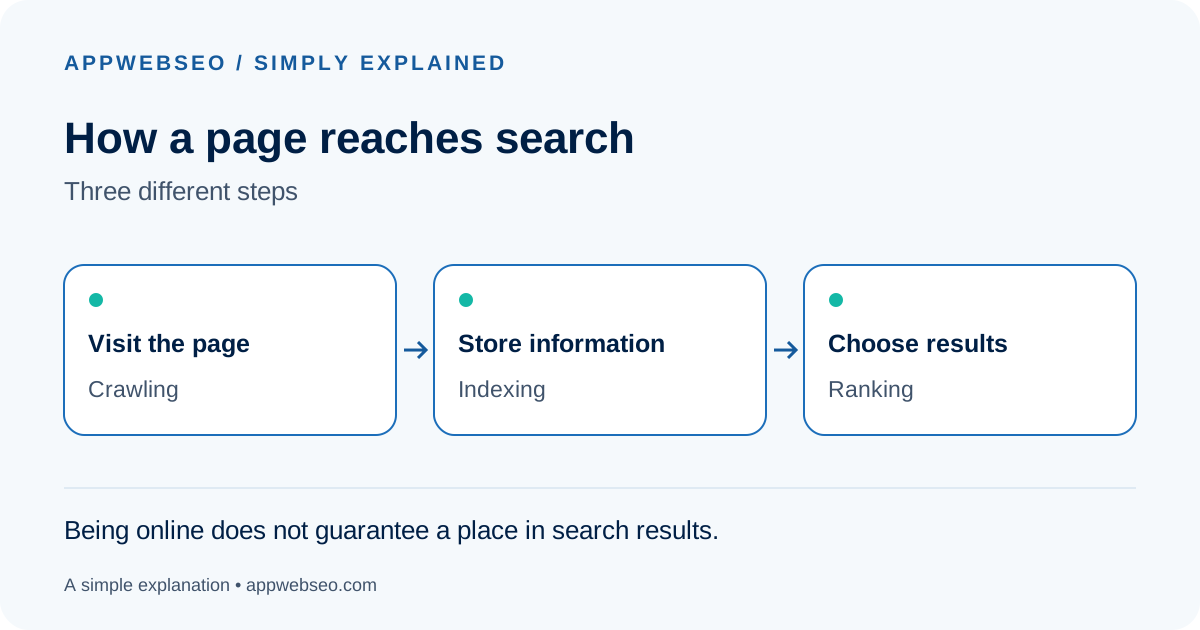
Ask whoever manages your website to inspect its main page in Google Search Console. Ask them to verify whether Google can access the page and whether it is officially indexed.
“Google cannot find the page” (indexing issue) and “the page appears too far down” (ranking issue) are different problems. Knowing which one you have makes the next fix much faster.
An AI search tool can write an answer instead of showing only a list of website links. Your business might appear in that answer by name, or the answer might link to one of your pages as a source.
“A name mention tells readers about you. A source link gives them a way to visit your website. Neither automatically becomes an enquiry or a sale without a compelling next step.”
When someone asks an AI engine like ChatGPT Search, Perplexity, or Google AI Overviews a question, the model synthesizes information from authoritative web sources.
A page that provides direct, well-structured answers with real data and pricing gives AI engines factual snippets to quote and source.
You may hear the term GEO (Generative Engine Optimization). It describes engineering content and authority so AI models recognize your brand as a primary source. No secret schema is required: accessibility, factual precision, and crawlable HTML remain the foundation.
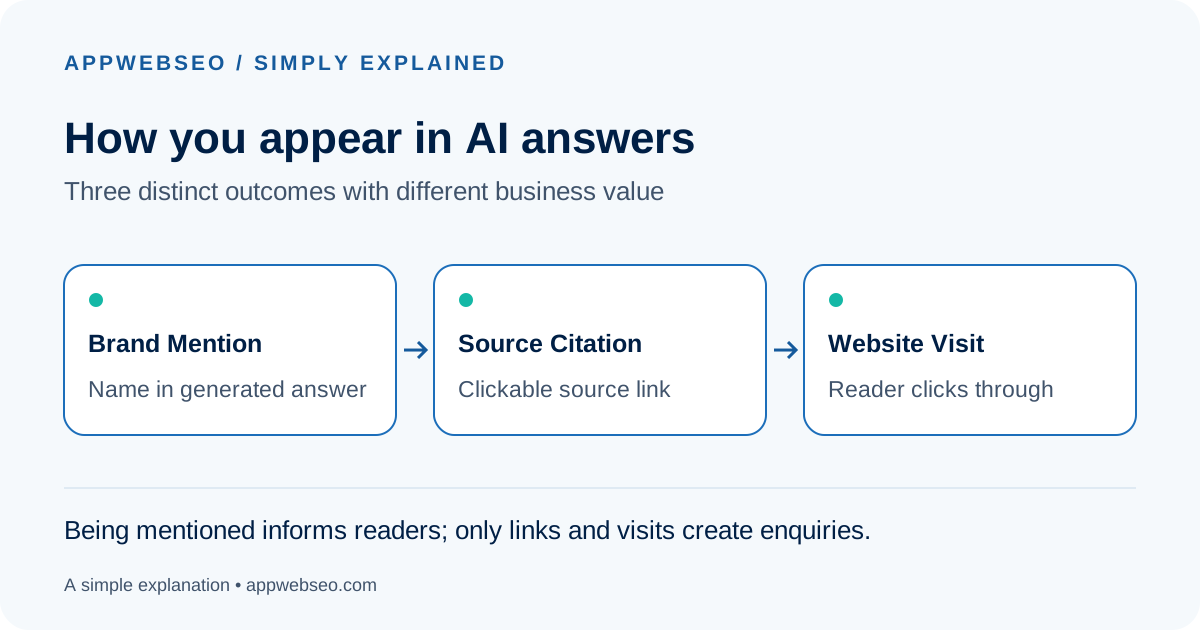
Write down five real questions customers ask before buying. Check whether your website answers each one directly, with examples and concrete evidence.
Publishing an answer does not guarantee an AI tool will use it. Treat mentions, source citations, website visits, and customer enquiries as separate metrics to measure.
Structured data is extra information in a webpage’s code that labels what the page describes. Visitors usually read the normal page. Search systems can also read these labels.
“Think of a parcel. A person might recognize what is inside from a description, but clear standardized barcode labels make the contents instantly readable by machines.”
On a product page, structured data explicitly labels the product name, price, currency, and in-stock status. On an article, it labels the author, publisher, and publication date.
The standardized format is called Schema.org JSON-LD. For supported types, Google uses these labels to display rich snippets—such as star ratings, pricing badges, and FAQs—directly on search results.
Correct labels do not guarantee rich snippet display, but they remove ambiguity for search robots and AI citation parsers.
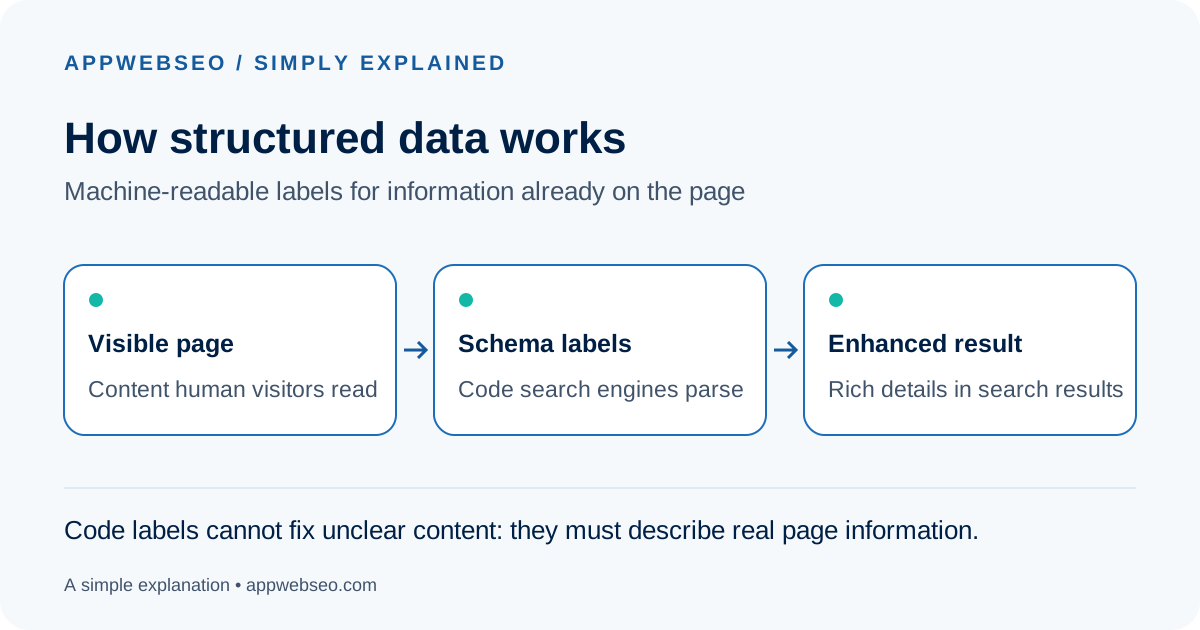
Ask your website developer which key pages have structured data and how those labels stay automatically synchronized when content or prices are updated.
Useful labels describe real information. They cannot turn an unhelpful page into quality content or make an unsupported claim true.
A website can appear on screen before it is comfortable to use. You may see the heading while the main image is still loading, tap a button that responds late, or watch the page jump just as you try to click.
“Imagine entering a shop while staff are still moving the shelves. You are inside, but shopping is frustrating and disorienting.”
Google measures this real-world user experience using Core Web Vitals.
Largest Contentful Paint (LCP) measures when the main visible content finishes loading. Interaction to Next Paint (INP) measures how quickly the page responds when someone taps a button or types. Cumulative Layout Shift (CLS) measures whether elements unexpectedly jump around while reading.
A page can have a high synthetic lab score while still feeling sluggish on real mobile devices due to heavy JavaScript blocking the browser main thread.
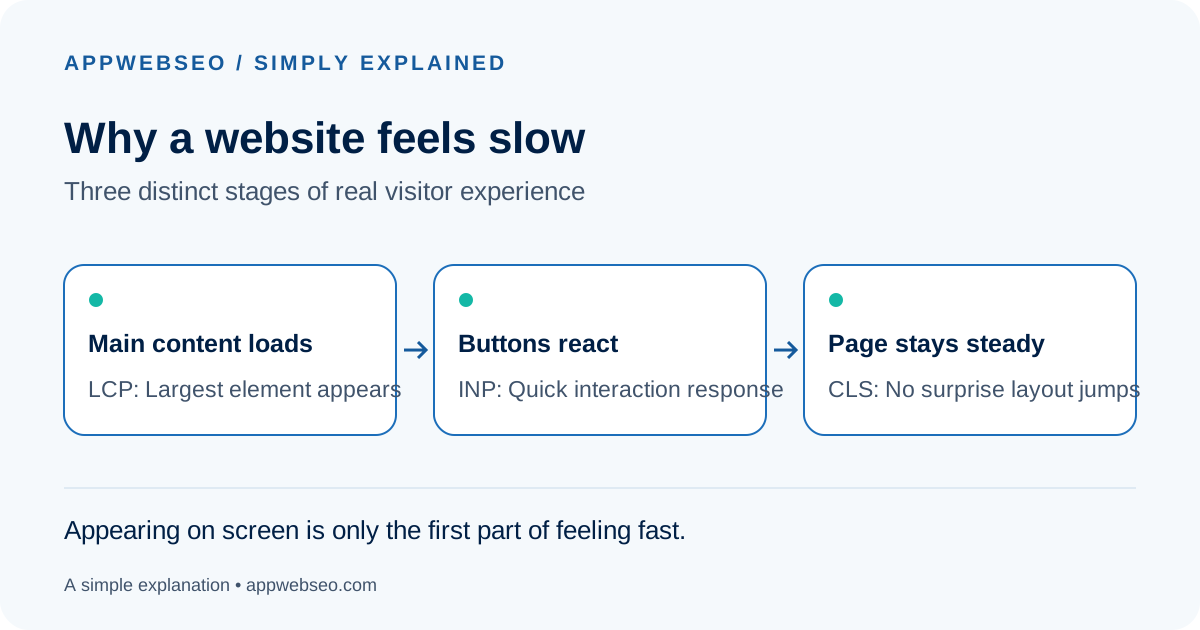
Open your most important service or product page on a smartphone over mobile data and complete a real task. Note down any hesitation, layout jumps, or delayed button responses.
A single speed score is only a clue. Specific real-world reports like “The date picker freezes on mobile” are much more actionable than “The website feels slow.”
A visit means someone reached your website. An enquiry means they understood enough, trusted you enough, and found it easy enough to take the next step. A gap at any of those points stops the journey.
“Think of someone walking into a shop. They might leave because the shop displays the wrong items, prices are hidden, or nobody explains how to place an order.”
Websites experience the exact same drop-offs. A visitor may not immediately understand who your service is designed for.
They might need an indicative starting price, a concrete past case study, or a clear explanation of what happens after they submit their email.
A conversion is a meaningful action you want a visitor to complete. Conversion rate measures the proportion of visitors who take that action. Simply buying more ad traffic will not fix a leaky funnel.
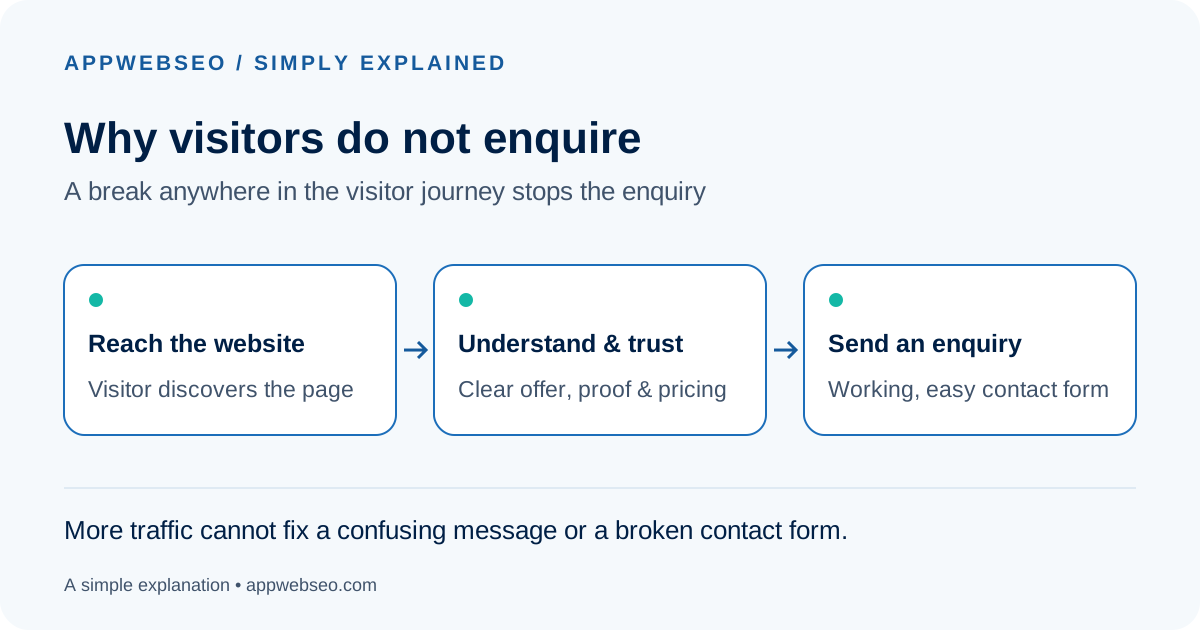
Ask someone unfamiliar with your business to use the page on their phone. Can they explain within 10 seconds what you offer, who it helps, and how to contact you? Then submit a test enquiry yourself.
If your analytics show zero enquiries, test your tracking and email delivery first. Broken tracking and missing customer demand are completely different issues.
In an online store, the storefront is the part shoppers see: product pages, menus, and the shopping experience. Behind it, other software manages products, inventory, and orders.
“Think of a restaurant changing its dining room while keeping its kitchen. The two still need a reliable, agreed way to communicate orders.”
In a traditional Shopify store, the theme controls both the visual layout and connects directly to the backend.
With headless Shopify, a separately built custom storefront (often built in React or Next.js) connects to Shopify’s commerce services via APIs (Application Programming Interfaces).
Headless gives engineering teams total freedom over design, page speed, and interactive product customizers, but it also creates a separate software application to maintain.
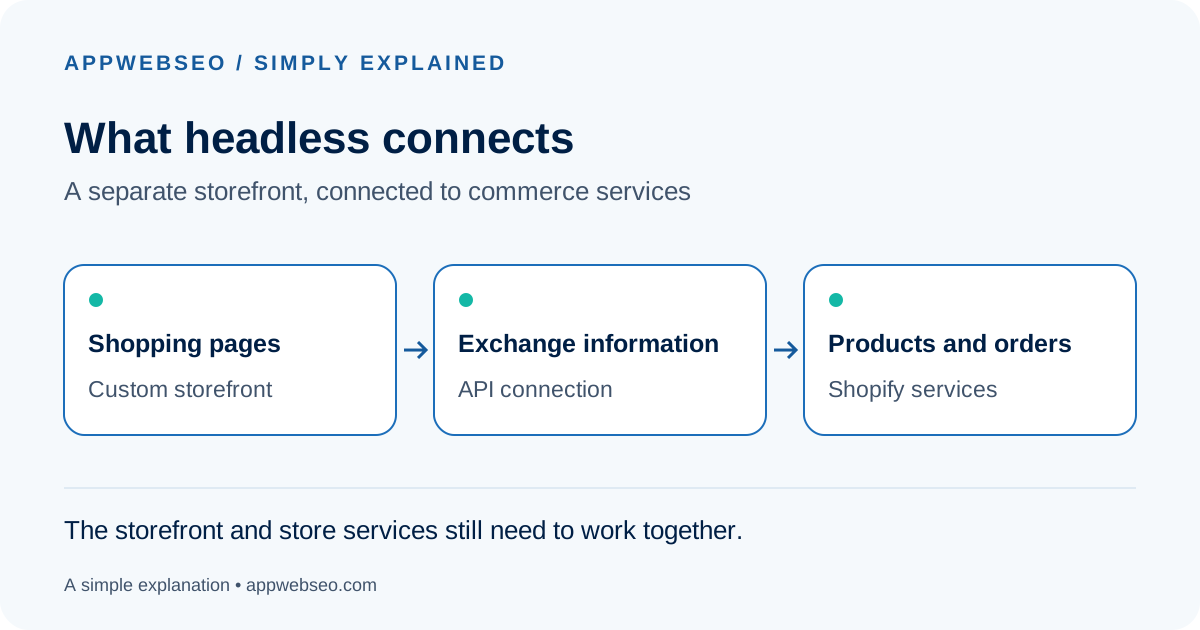
Identify the exact limitation your current store faces. Ask whether a modern standard theme or smaller optimization could solve it before committing to a separate custom frontend.
“We need customers to configure multi-part products smoothly” is a clear business requirement. “We need headless because it sounds modern” is not yet a business reason.
An integration connects two pieces of software so they can exchange information or trigger an agreed action automatically. It eliminates the need to copy the same details from one tool into another.
“Imagine your website receives a booking. Without a connection, staff must manually retype the customer’s name into a calendar. With an integration, the systems sync instantly.”
An API (Application Programming Interface) defines how two independent software applications ask for and exchange data.
Common integrations include sending website enquiries into HubSpot or Salesforce, generating invoices in Xero upon payment, or synchronizing stock levels with an ERP warehouse.
An integration requires clear business rules: which system is the single source of truth? What happens when an employee edits a booking? What happens if an API temporarily fails?
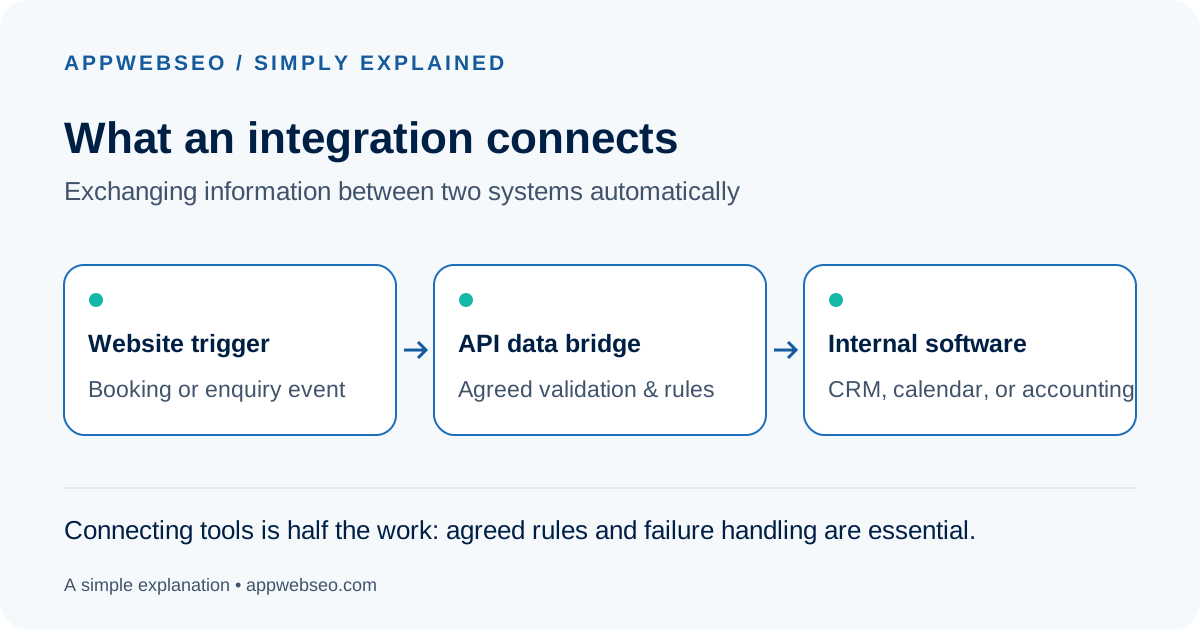
Identify one repetitive manual task your team performs daily, like copy-pasting form submissions into spreadsheets. Map where the data originates and where it belongs.
“The tools are connected” is not the same as “the integration is reliable.” Always test error recovery, changed records, and network dropouts before relying on automated syncing.
One reliable approach lets an AI assistant search your approved internal documents before generating an answer. This architecture is called Retrieval-Augmented Generation (RAG).
“Think of a new colleague consulting the official company handbook before answering a customer. They do not need to memorize every rule, but they must find the right page.”
Instead of asking an AI model to guess from general training data, RAG first searches your verified company documents for relevant paragraphs.
The system feeds those exact excerpts into the language model alongside the user’s question, instructing it to answer strictly based on the provided material.
This drastically reduces hallucinations and allows the assistant to cite the exact document and page number for human verification.
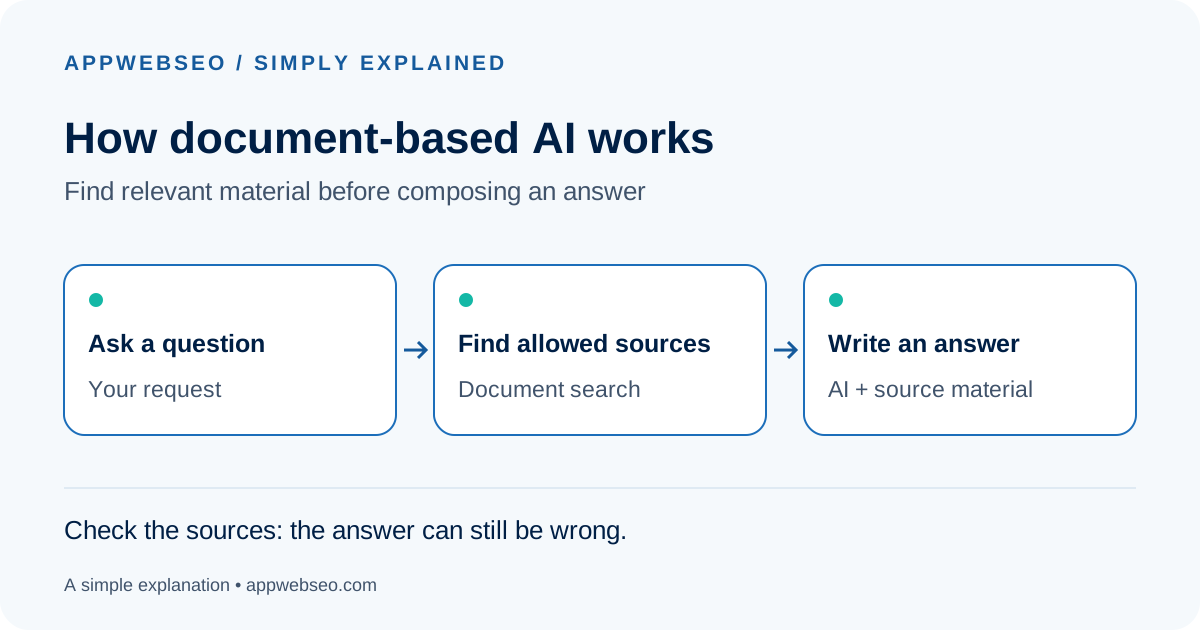
Choose one narrow, well-documented topic—such as product care sheets or internal onboarding FAQs—and test answering real customer questions against those files.
Always test questions that the documents cannot answer. A properly engineered assistant should say “I cannot find that in our documents” rather than fabricate a confident answer.
Planning turns “we need a new website” into an agreed, verifiable blueprint of what the website must do. Agencies call this stage discovery. Its output is a clear set of architectural decisions.
“Think of renovating a kitchen. Deciding cupboard colours is much easier once you know where the plumbing goes, which appliances must fit, and how people move through the space.”
During discovery, technical architects and designers clarify who will use the website, what tasks they need to complete, where content originates, and how edge cases are handled.
For example, “add online booking” could mean a simple contact form, or it could mean live calendar availability, multi-currency card payments, automated cancellations, and refunds.
A thorough discovery brief includes user flows, wireframes, technical integrations, data models, and measurable success criteria, preventing costly redesigns during development.
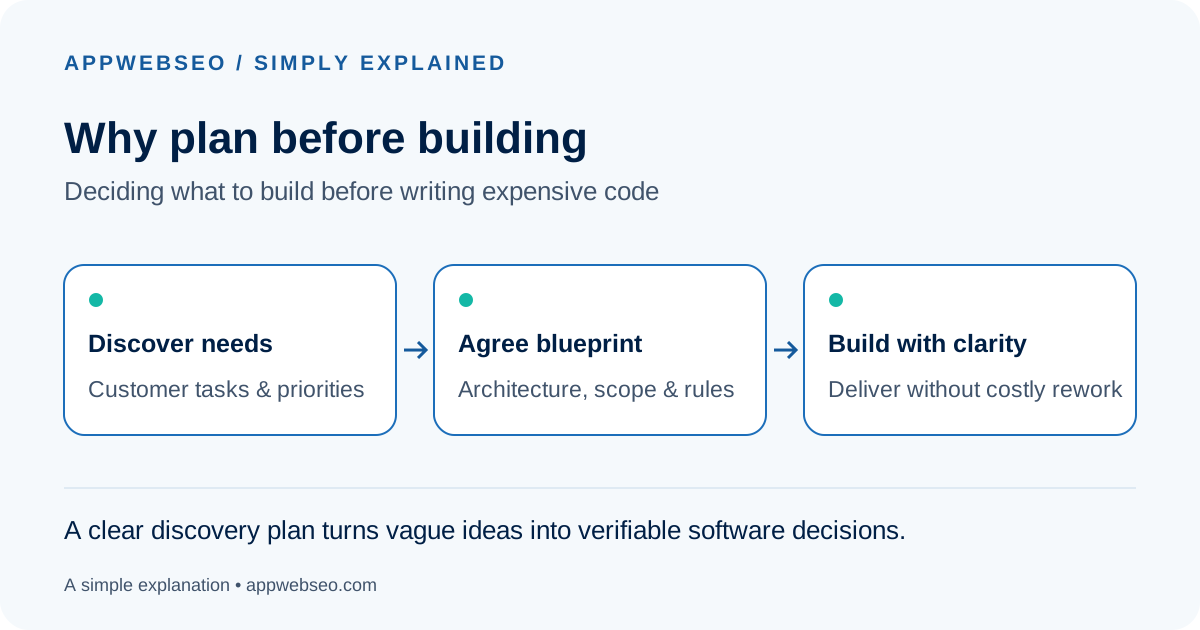
Describe the single most critical customer task your new website must make effortless. Ask your development partner to walk through that journey from click to completion.
Match the planning depth to the project scale. A brochure site needs a short brief; a multi-market SaaS platform needs comprehensive architectural discovery. Always ask what decisions the planning fee will help you make.
An accessible website is designed so people with different disabilities can understand, navigate, and use it comfortably. This includes visitors who cannot see the screen, cannot use a mouse, or process information differently.
“Think of a building with a steep step at its entrance. The door may be unlocked, but visitors in wheelchairs still cannot enter. A website can create invisible digital barriers through poor contrast and missing keyboard controls.”
Web accessibility follows the international WCAG (Web Content Accessibility Guidelines) standard.
It ensures high visual contrast so text is readable in bright sunlight, full keyboard navigation so users can tab through forms without a mouse, and semantic code so screen readers can announce buttons and links clearly.
Accessible websites also perform better in search engines and AI parsers, because clean semantic HTML helps machines comprehend structure effortlessly.
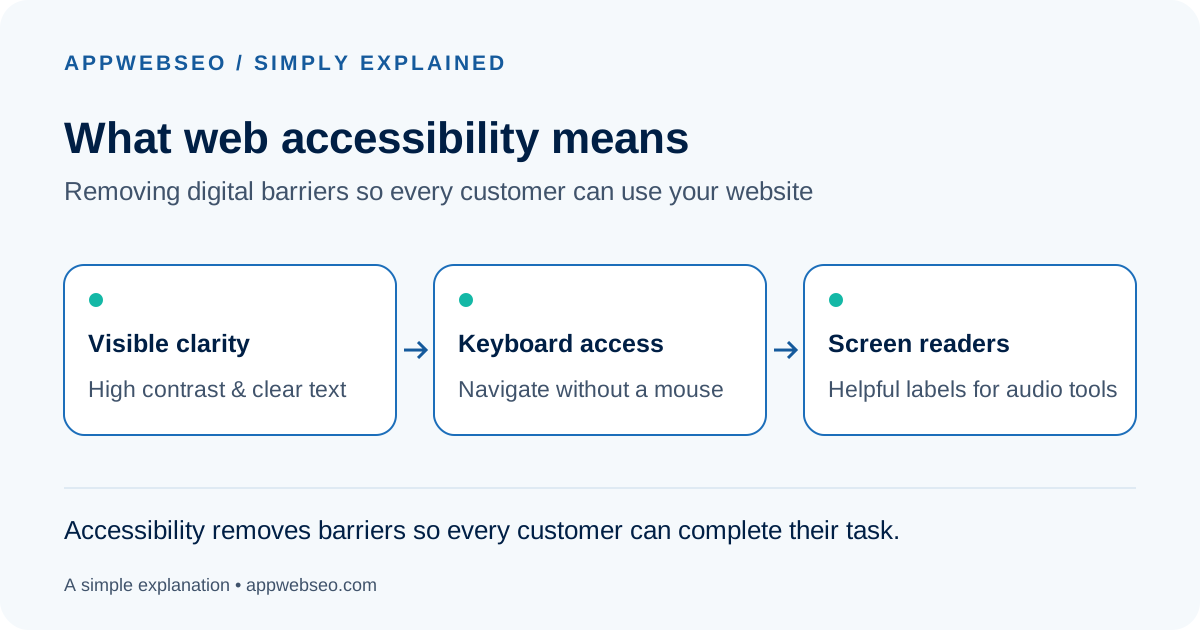
Unplug your mouse or trackpad and try navigating your main website enquiry flow using only the Tab key, Enter, and Spacebar. See if you can clearly identify your focus point and complete the form.
Keyboard testing is one essential check, but not a full audit. Automated tools catch only ~30% of accessibility issues. Real accessibility ensures everyone can do what they came to do.